
Your business’s short-form content, edited in minutes.
Film once. Get captioned posts and clips with your logo, ready for TikTok, Reels, Shorts and LinkedIn.
Who it’s for
Business owners
No time to edit. Record a quick video, NextFrame cuts it and captions it.
Coaches & consultants
Turn one talk or webinar into a week of clips.
Social media managers
Keep every client’s posts on-brand, with their logo, in minutes.
Agencies
Handle 12+ posts a month per client without hiring more editors.
Remove silence and bad takes in three steps
Drop in your takes
One video or a whole folder. They process in the background while you keep working.
Get a first cut
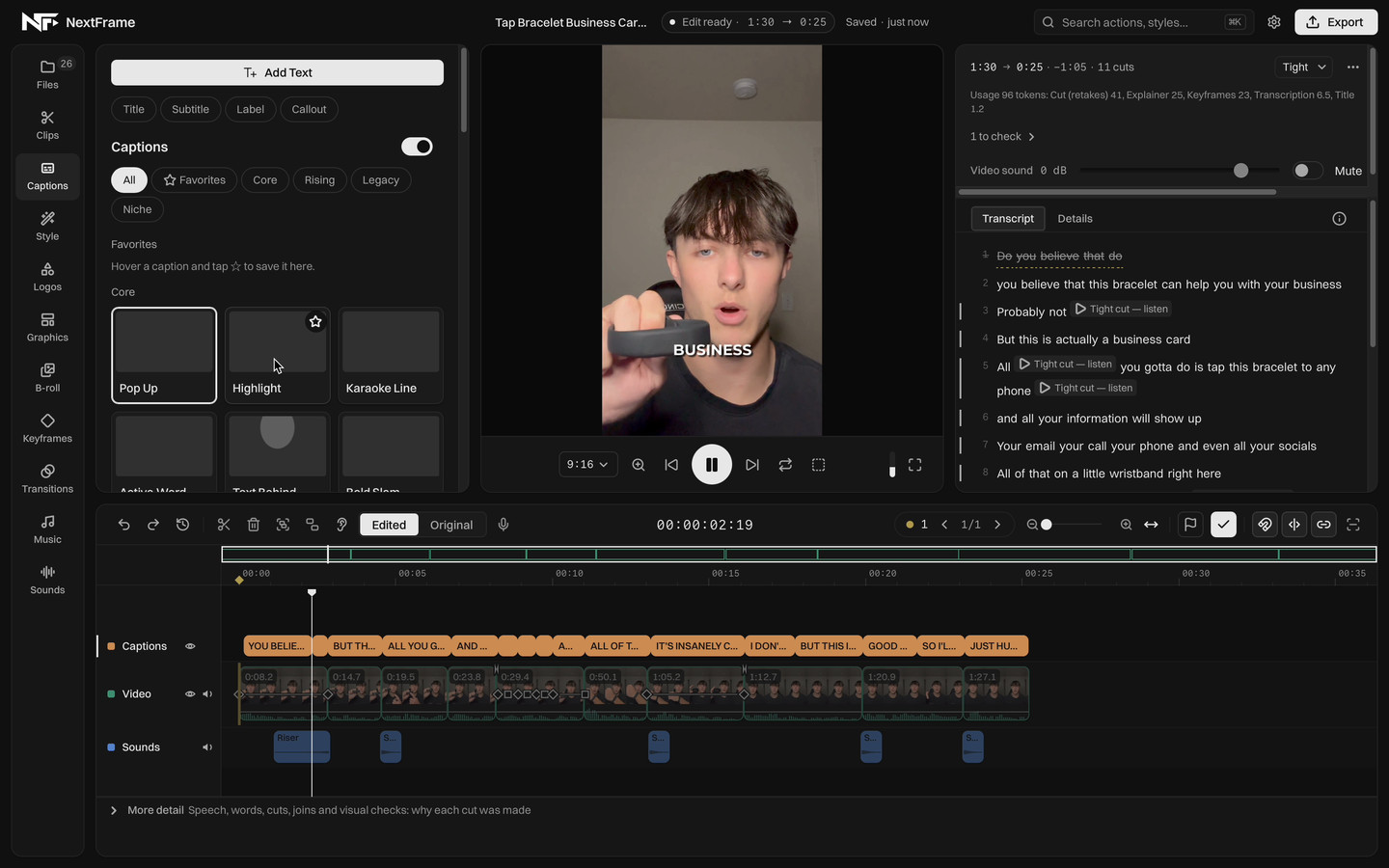
NextFrame reads what you said, so it can tell a retake from a pause you meant. Dead air and flubbed lines come out. Captions, zooms, music and sound go in.
-
Make the final call
Restore a line, cut another, or move anything on the timeline. Your changes always stick, and NextFrame learns from them so the next first cut is closer to how you edit.
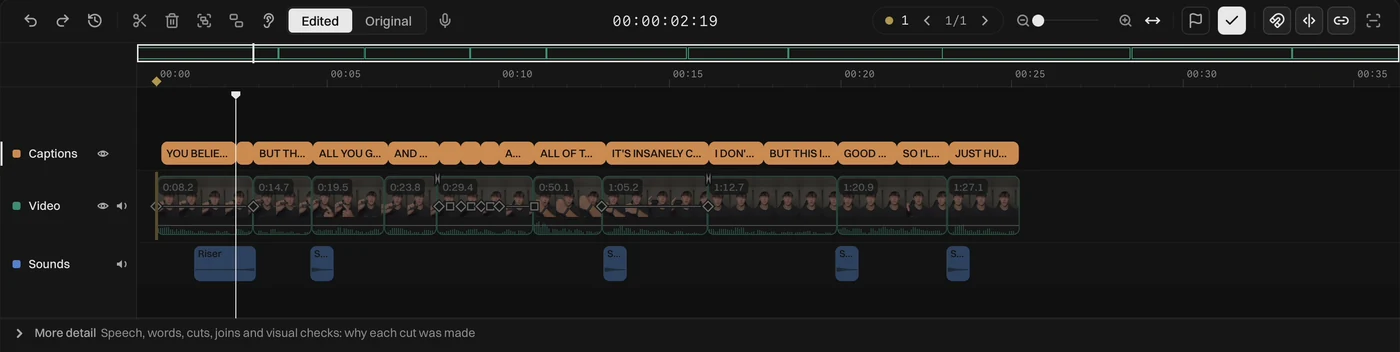
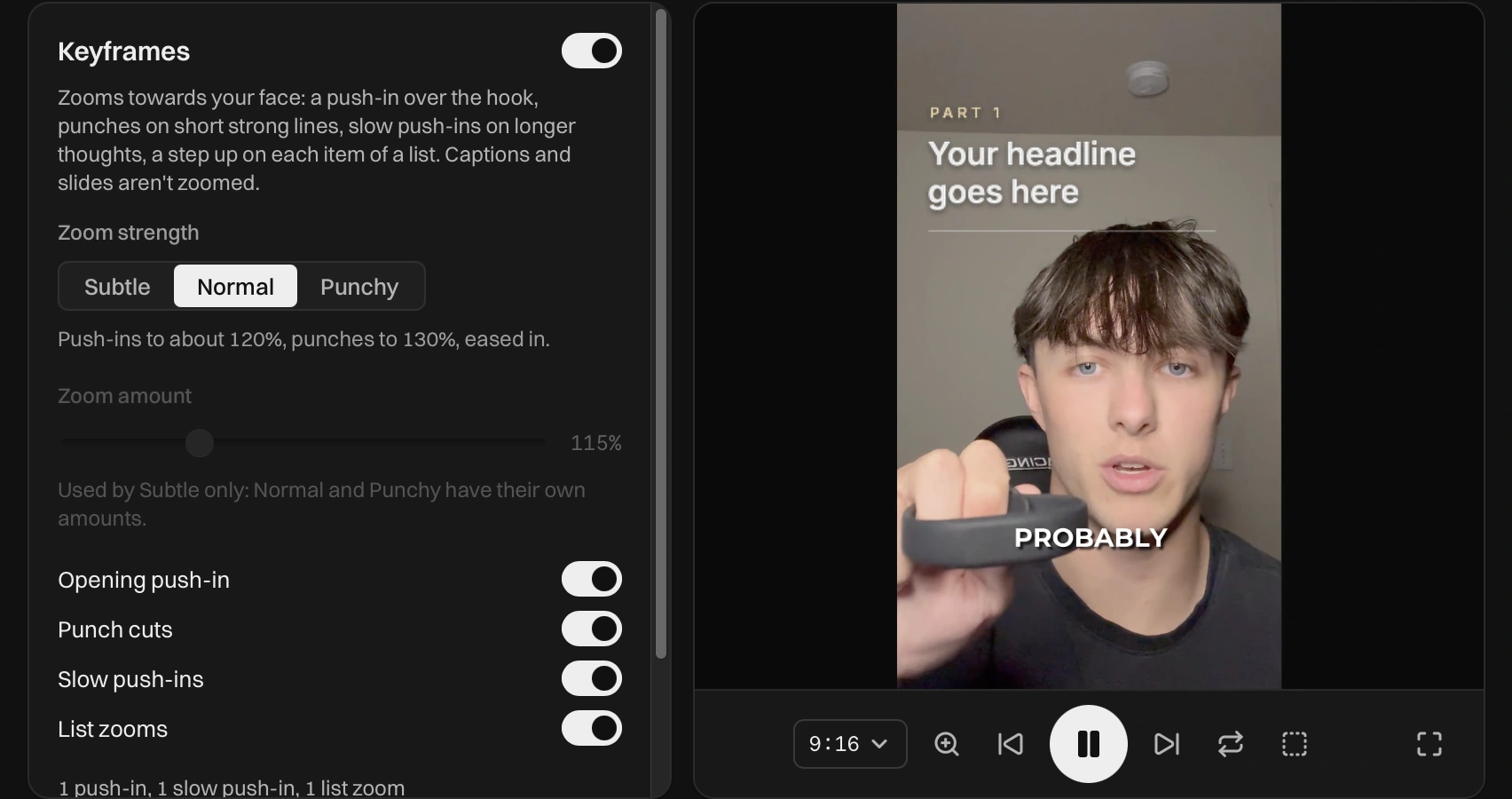
Auto captions, zooms and graphics, without leaving the app
Real screen recordings from NextFrame's sidebar. Pick a panel to see it working.
Made for TikTok, Reels and Shorts
- Sound that's already level
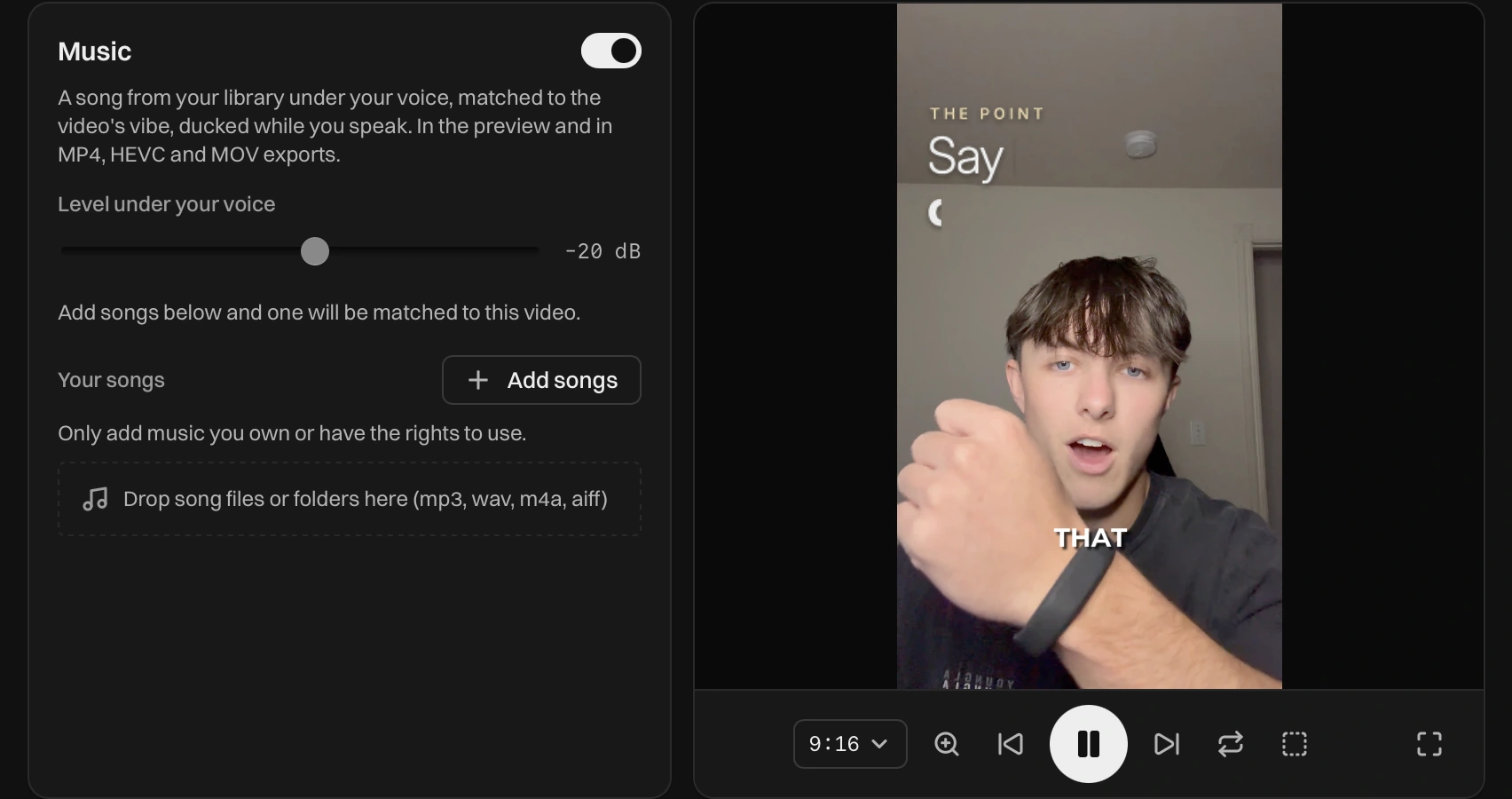
- Voice, music and effects are mixed to the loudness TikTok, Reels and Shorts expect. Music always sits under your voice.
- Your B-roll library
- Keep photos and clips in folders, ready for any video, and drag them straight onto the timeline.
- Your logo, saved once
- Use it as an intro, a badge, a lower third, a watermark or an end card.
- Any shape of video
- Export 9:16, 16:9, 1:1, 4:5 or 4:3. Captions, zooms and graphics adjust to fit.
- Your video files stay on your Mac
- Your videos never leave your computer. Settings and libraries sync to your account.
- Every cut explained
- Open the details on any cut to see why it was made, and play it back to hear it.
Pricing
Every plan has the full editor and starts with a 7-day free trial that includes 500 tokens, about 10 videos. Plans differ in how many videos you can run each month.
Starter
$16.58 a month
$199 billed once a year
For trying it on your own videos.
- 1,500 tokens a month, about 30 videos
- Auto-cut, captions and zooms
- Graphics, logos, transitions and music
- Export in every size
Creator Recommended
$33.25 a month
$399 billed once a year
For posting every week.
- 3,250 tokens a month, about 65 videos
- Auto-cut, captions and zooms
- Graphics, logos, transitions and music
- Export in every size
Pro
$53.25 a month
$639 billed once a year
For high volume and long videos.
- 6,000 tokens a month, about 120 videos
- Auto-cut, captions and zooms
- Graphics, logos, transitions and music
- Export in every size
Prices in US dollars, plus sales tax where required. Cancel anytime. A typical short uses about 50 tokens; longer videos use more. Need more? Top up 500 tokens for $10. Teams and agencies: hello@nextframeediting.com.
NextFrame FAQ
How do I get the free trial?
Download NextFrame for Mac, open it and start your trial in the app. The trial includes the full editor.
Is there a Windows version?
No. NextFrame is a Mac app. It requires macOS 14 or later on a Mac with Apple silicon.
What kind of videos is it for?
Anything where someone talks to the camera: talking heads, UGC, explainers, product demos and podcast clips. It's made for TikTok, Reels and Shorts, and exports wide for YouTube too.
How does it remove silence and retakes?
NextFrame transcribes what you said and works from the words, not just the volume. That's how it can cut a flubbed line and keep the take you meant, while trimming dead air between sentences.
Can I change what it cut?
Yes. Bring back or cut any line from the transcript, or edit right on the timeline. Your changes always stick.
Are my videos uploaded anywhere?
No. Your video files stay on your Mac. Your settings and libraries are saved to your account so they follow you.
What music can I use?
Songs you own or have the rights to. Add them once and NextFrame picks one that fits each video.
Do I still need CapCut or Premiere?
For most short-form videos, no. Captions, graphics, logos, transitions, zooms, music, sound effects and B-roll are all in the app.
Try NextFrame free on your Mac.
The free trial includes the full editor.
Download for Mac